A chatbot is worth building when many customers ask the same questions, or when every conversation has to collect the same information. Sensaria builds website chat, WhatsApp bots and AI assistants for companies in Switzerland and abroad and connects them to the CRM, shop, booking or helpdesk systems behind them. For each type of question we decide whether a fixed flow, a language model or a person should answer, and we design the handover so no conversation ends in a dead end. The finished bot answers from your content, writes clean data into your systems and knows when to stop.
Rule-based flow or LLM assistant?
Use a rule-based flow when the path is known and the result must be exact: booking an appointment, checking an order, collecting a lead’s details, anything that writes to a system. Use a large language model (LLM) when questions are open and phrased in many ways but the answer already exists in your content: product details, policies, how-to questions. Most useful bots combine both: the model understands and routes, and fixed flows do the transactions.
| Task |
Rule-based flow |
LLM assistant |
| Order status |
Lookup by order number and email through the shop API |
Not needed |
| Appointment booking |
Fixed steps against the calendar API |
Turns “next Tuesday afternoon” into a slot to confirm |
| Lead qualification |
Fixed questions mapped to CRM fields |
Summarizes free-text needs for the sales rep |
| Product and policy questions |
Works for a short FAQ |
Answers from approved content, with the source |
| Complaints, legal or medical questions |
Hand over |
Hand over |
How do you keep an AI chatbot from inventing answers?
Give it only your approved content to answer from, and check its output before the user sees it. With each question the assistant receives the relevant passages from sources you control (help articles, product data, terms), is instructed to answer only from them, shows the source and says it doesn’t know when nothing matches. Prices, stock and order data come from live API calls, never from the model’s memory.
Around that we add the controls we use in the LLM features we have built: validation of generated text (no links outside your domains, no figures that aren’t in the source), a fixed fallback answer, a log of each answer with model and prompt version, and daily cost ceilings. Before launch, the bot is tested against a set of real customer questions with expected answers. The set is rerun after every content or model change.
When does the bot hand over to a person?
When the user asks for a person, when the bot has failed to understand twice, when the topic is sensitive (complaints, cancellations, anything legal or medical), or when the customer is marked as a key account. The transcript and every field collected go with the handover into the CRM or helpdesk, so nobody asks the customer the same questions again. Outside office hours the bot says when someone will reply and opens a ticket.
The bot never pretends to be human. The Swiss data protection commissioner states that under current law users must be told when they are communicating with a machine (FDPIC on AI and data protection), and Article 50 of the EU AI Act has required the same for users in the EU since 2 August 2026.
What changes on WhatsApp?
WhatsApp bots run on Meta’s WhatsApp Business Platform, through the Cloud API or a Business Solution Provider. You may only message users who opted in. Free-form replies are possible for 24 hours after the customer’s last message; after that, only pre-approved templates. Since 15 January 2026, Meta’s Business Solution Terms exclude general-purpose AI assistants, while bots that serve a specific business purpose, such as support, bookings or orders, remain allowed.
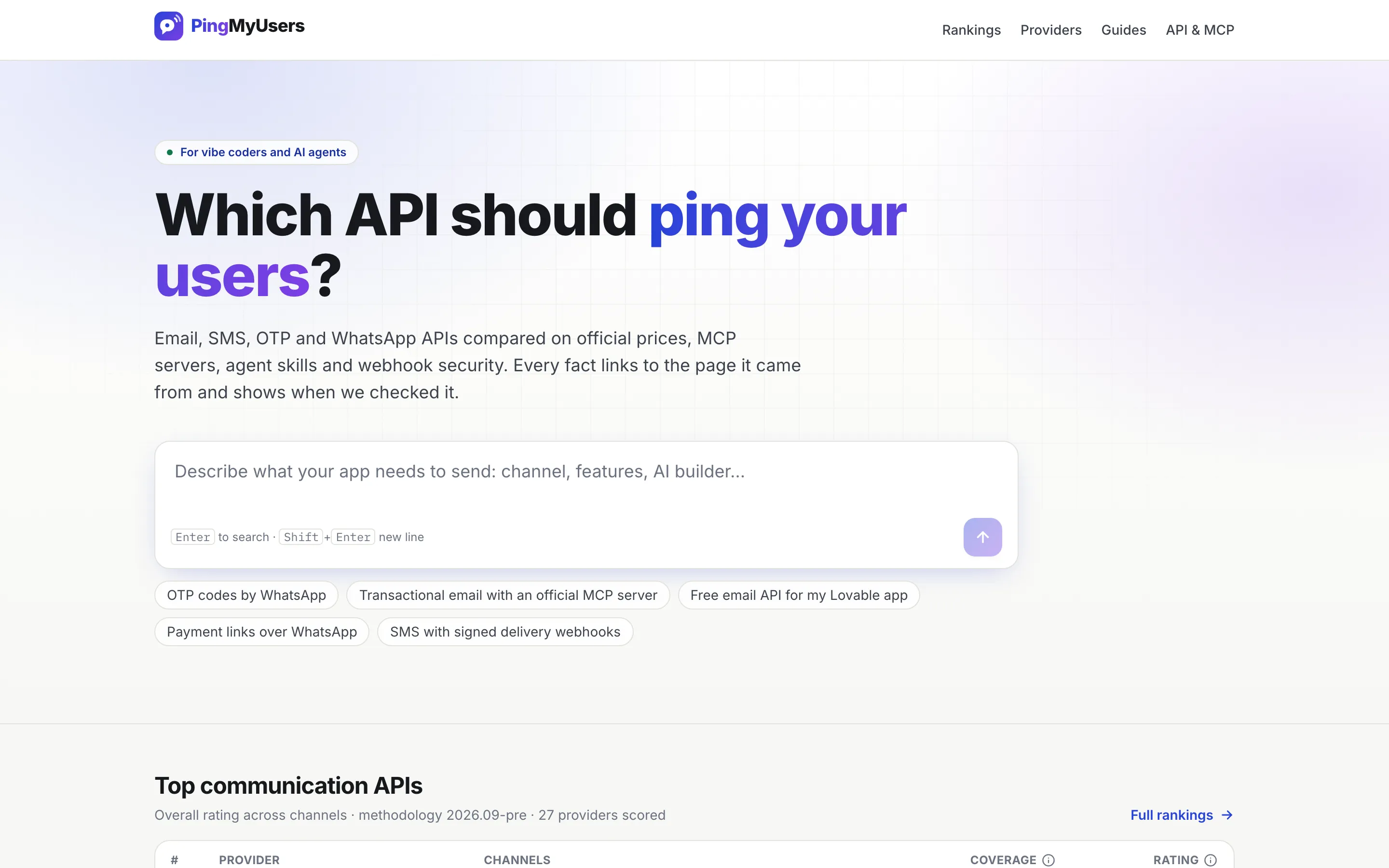
We have built WhatsApp messaging through a provider API for an e-commerce app: template messages, chatbot triggers, cart recovery and website widgets. PingMyUsers, the communication-API directory we built, compares WhatsApp Business API providers on sourced, dated facts.
Integrations and data protection
A bot that can’t reach your systems can only talk. We connect it through a small tool layer with allow-listed operations: read an order status, create a lead with its transcript in the CRM, book a slot, open a ticket. Access is read-only wherever possible: the MCP server we built for PingMyUsers, which AI agents query directly, exposes only read-only tools. For lead flows, see CRM automation.
Conversation logs are personal data under the revised FADP and the GDPR. We set a retention period for transcripts, send the LLM provider only what a question needs, and choose a provider and configuration that match your data protection requirements.
What drives cost and timeline
| Driver |
Why it matters |
| Channels |
Website, WhatsApp or both; WhatsApp needs a business account, a number and approved templates |
| Flows and intents |
Each transaction flow is designed and tested separately |
| Content preparation |
Answers are only as good as the approved sources behind them |
| Integrations |
CRM, shop, calendar or helpdesk connections |
| Languages |
Content and tests for each language you support |
| Running costs |
LLM usage grows with conversations; WhatsApp templates are charged per message |
After a short discovery we send a fixed-price or phased proposal, with an estimate of monthly running costs.
How it connects
Leads from the bot enter your CRM and can start marketing automation journeys. System access runs through API integrations. For email, SMS, WhatsApp and chat in one flow, see customer communication. Our AI and automation page covers other uses of language models in a business.
Why Sensaria
We have put language models into production features with the controls described above: validated output with a fallback, a stored record of model and prompt version per answer, and cost ceilings. We have also built WhatsApp messaging through a provider API and MCP servers for AI agents. Sensaria AG is a Swiss company, and we design and test bots in English, Italian, German and French.